
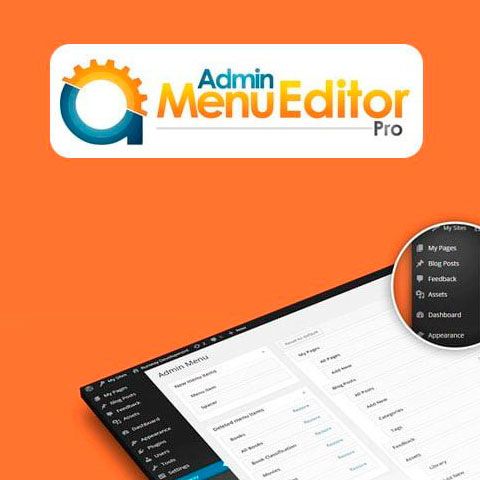
Admin Menu Editor Pro + Addons allows you to completely edit the WordPress administration area differently for each user role, thus being able to, for example, make WordPress easier to use for your clients, create installations white label or limit the options available to certain types of users.
The Admin Menu Editor Pro + Addons download includes the Branding and WP Toolbar Editor add-ons.
Features of Admin Menu Editor Pro + Addons
- Hide menus from user roles. Select which administration menu options will be available for each user role with just a few clicks: choose the user role to configure (subscriber, customer, author, editor, etc.) and uncheck the menu options you do not want it to have access.
- Organize the menu by dragging and dropping. You can reorder the administration menu options by simply dragging them to their new position: you can upload the ones you use most frequently or even move submenus from one place to another.
- Choose from over 600 icons. Admin Menu Editor Pro + Addons includes Dashicons and FontAwesome; You can also upload your own icons in PNG or GIF format or indicate an icon using a URL. You can even assign icons to submenus.
- Change menu colors. Edit background colors, texts, icons and highlights. You can apply the changes to the entire menu or customize the colors of specific options.
- Create new menu items. With Admin Menu Editor Pro + Addons you can add your own links to the administration menu. You can also create a custom menu with the content of a WordPress post or page. You can also create non-clickable elements, useful as menu headers or for creating complex menus.
- Make menus open in a new tab. You can have menu items open in a new browser tab, or even include the content of a menu option inside an iframe.
- Import/export menu settings. You can export menu settings to replicate them on other sites by importing them again or to save them as a backup.
- Hide plugins. You can hide elements from the plugin page, allowing only certain user roles to see them or hiding them from everyone.